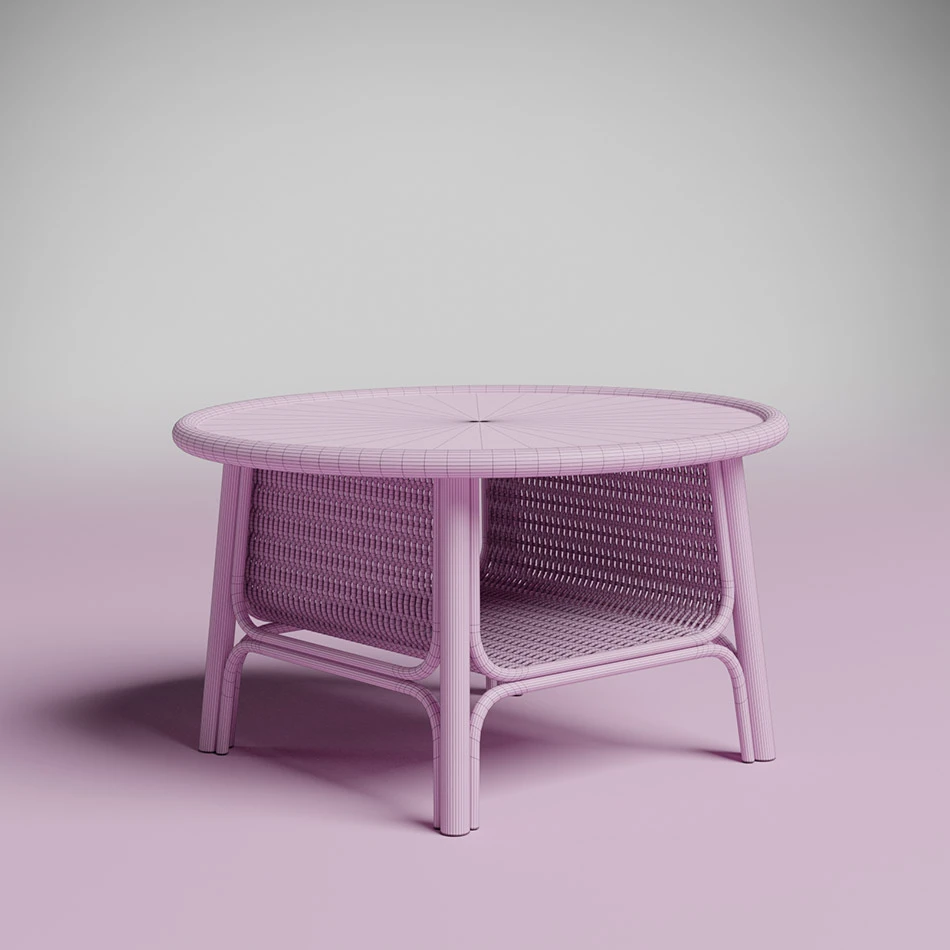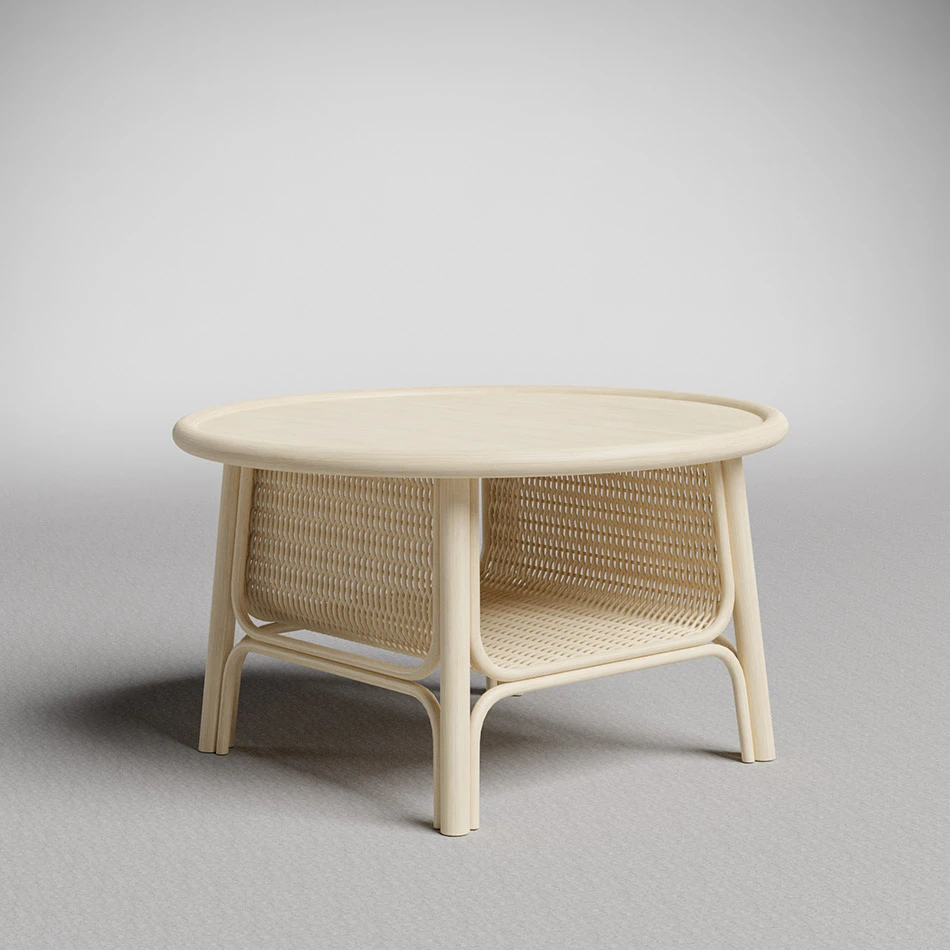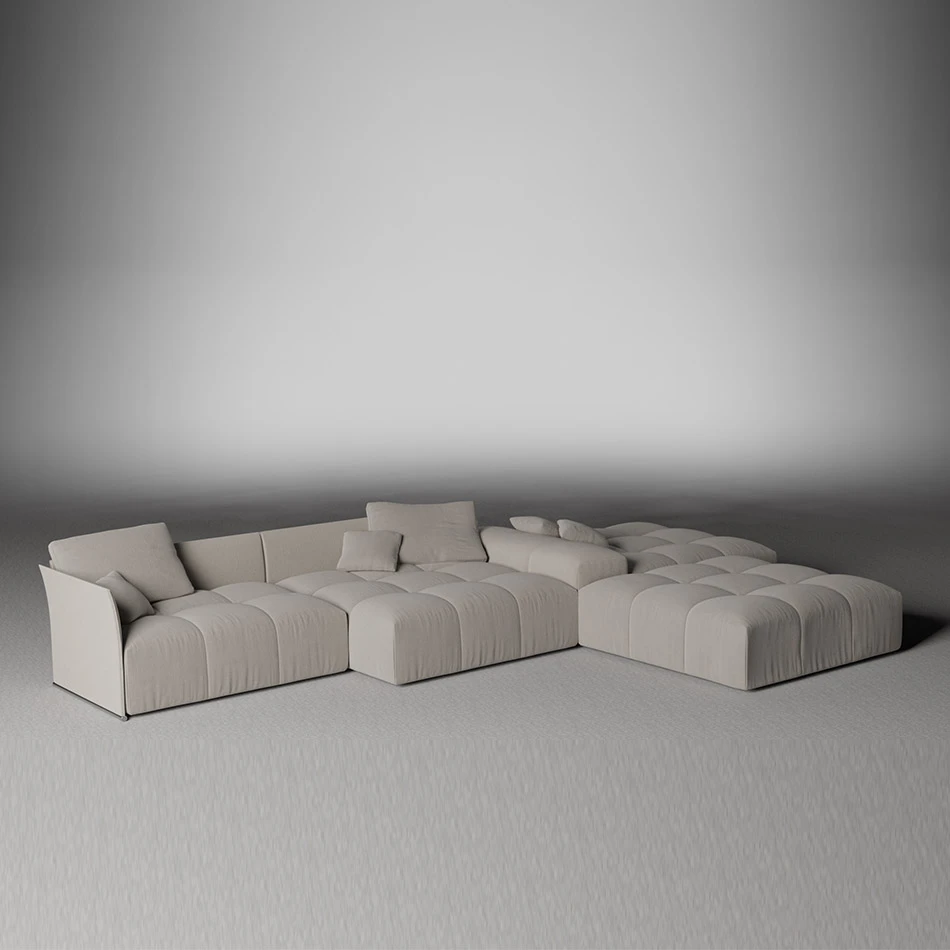

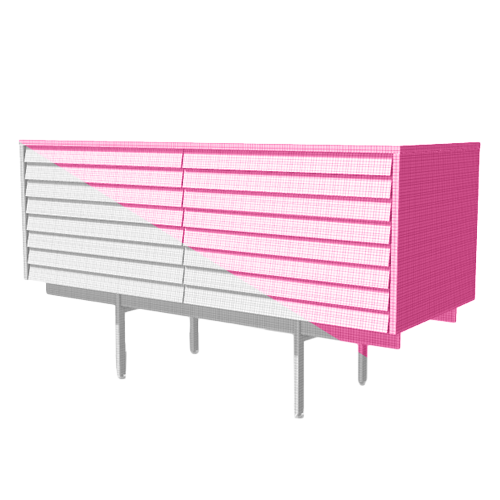
Furniture 3D Modeling in SKP Format
In the dynamic field of 3D modeling, the SKP format (SketchUp) stands out as an essential solution for efficiently exchanging data between different software. Developed by Trimble Inc., SKP is widely adopted for its user-friendliness and ability to handle complex 3D models.
What is the SKP Format ?
The SKP format (.skp) is specifically designed to simplify the exchange of 3D models between various design software. It is particularly popular among architects, designers, and building professionals due to its ease of use and compatibility with a wide range of 3D modeling applications.

SKP Format Advantages
Using the SKP format offers several significant advantages:
1 - Extended Compatibility: SKP is compatible with a variety of applications such as AutoCAD, Revit, Blender, etc., facilitating collaborative work without compatibility constraints.
2 - Diverse Data Management: SKP files can store a wide range of 3D data, including geometries, textures, materials, and animations, allowing for the transfer of complete models with high fidelity.
3 - Detail Preservation: SKP accurately retains the geometric details and attributes of 3D models, ensuring precise translation between different software, which is crucial for projects requiring maximum data integrity.
4 - Ease of Use: With an intuitive learning curve, SKP is accessible even to beginner users. Abundant online resources help efficiently import, export, and manipulate SKP files.
SKP format applications
SKP is widely used across various sectors:
Architecture and design : It allows for the precise exchange of building models, plans, and designs among professionals.
Interior design : Ideal for modeling and visualizing interior spaces with detail and precision.
Engineering and Construction: Facilitates the exchange of 3D models, structures and systems between CAD software.
Tips for Optimizing the SKP Format Use
For maximum efficiency with SKP, here are some practical tips:
1 - Regularly Updated SketchUp: Always use the latest version of SketchUp to benefit from performance and compatibility improvements.
2 - Optimize 3D Models: Before exporting to SKP, optimize your models to improve file size and overall performance.
3 -Manage Textures and Materials: Carefully organize textures and materials to ensure accurate and faithful representation in all compatible software.
4 - Test and Validate: Validate your imported SKP files to ensure they function correctly in the intended software environment.
About Picolino Agency
Picolino Agency is an expert in 3D modeling with the SKP format. We transform your ideas into realistic models and ensure optimal compatibility with various software through our expertise in SKP. Whether for architecture, interior design, or e-commerce, our team guarantees high-quality results.
About Picolino Agency
Picolino Agency is an expert in 3D modeling with the SKP format. We transform your ideas into realistic models and ensure optimal compatibility with various software through our expertise in SKP. Whether for architecture, interior design, or e-commerce, our team guarantees high-quality results.
Our work :